





A used broadcast camera can save a production company, an OB truck operator or a TV studio a large part of its budget, often for equipment that still has many years of service ahead. But a system camera is not a camcorder: it works as part of a chain, and a bargain camera head can become expensive if the rest of the chain does not match. This checklist covers what to verify before buying a used broadcast camera, whether it is a studio system camera or a cinema camera.
A broadcast system camera such as the Sony HDC series or the Grass Valley LDX series usually needs:
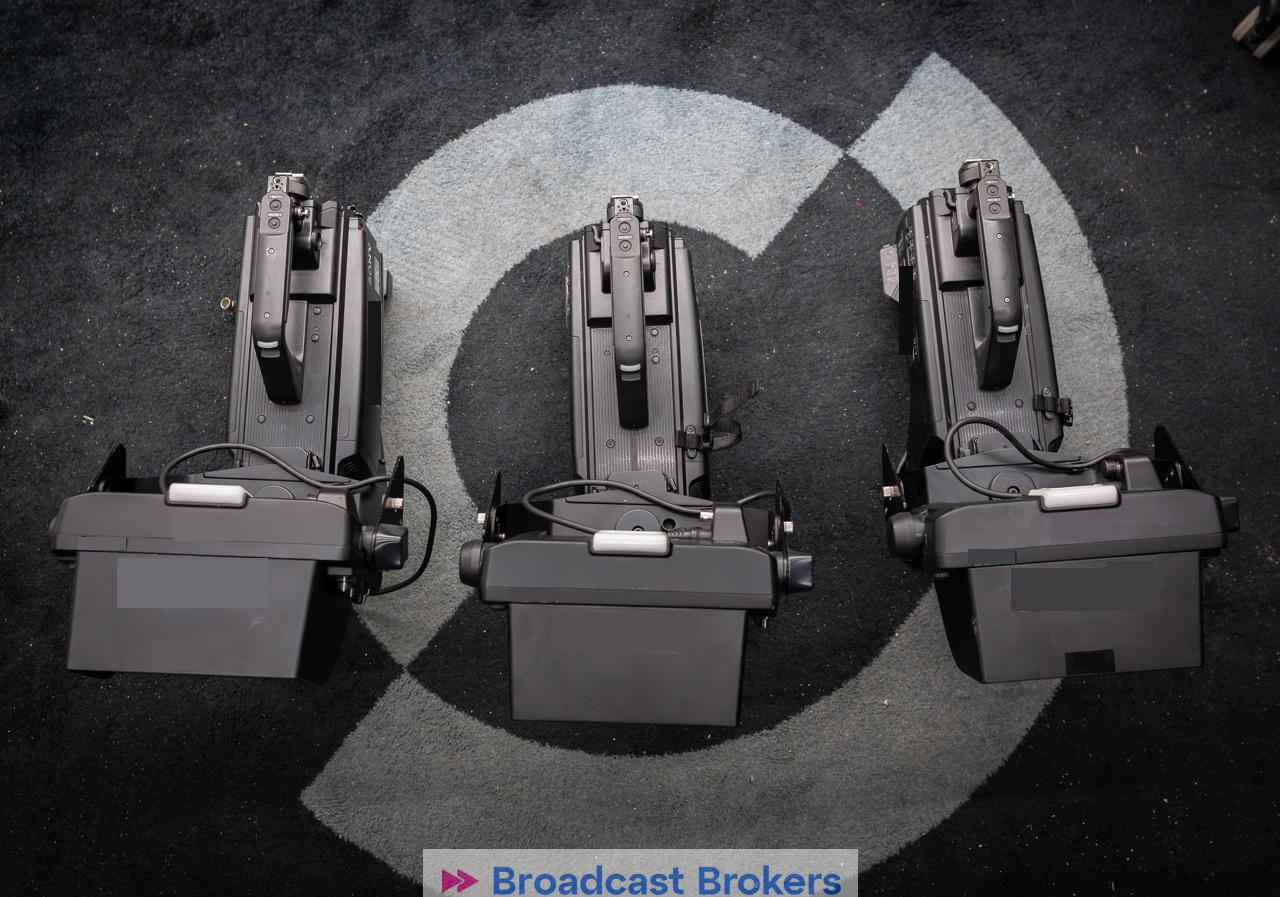
When a listing says “chain”, like our Sony HDC-3100 chain, it means several of these elements are sold together. Always ask for the exact list, and check that each part is compatible with the equipment you already own.
Not every camera head works with every CCU, even within the same brand. Confirm which CCU models and firmware versions are supported, which video formats you need (HD, 4K, HDR, high frame rate) and whether your infrastructure is SDI or IP. Our article Sony HDC-3200, HDC-3300R, HDC-3500 and HDC-5500 compared explains how the current Sony models differ, and the manufacturer’s compatibility information is available on Sony Professional.
Many recent system cameras unlock features such as 4K, HDR or high frame rate through software licences. Two identical camera heads can therefore have very different capabilities. Ask the seller which licences are installed, whether they are tied to the unit, and whether they transfer with the sale.
Most professional cameras record operating hours in their menu. On cinema cameras, the hour counter is often in the listing title, as on our ARRI Alexa Mini LF (2089 hrs). Hours alone do not tell the full story: a rental camera with high hours and regular servicing can be in better shape than a low-hour unit that was badly stored. Look at:
On fiber cameras, a dirty or damaged connector is one of the most common sources of problems. Ask for the fiber connectors on the camera and the CCU to be inspected and cleaned, and check the optical power levels if the system displays them. Replacing a damaged connector insert is possible but should be priced into the deal.
Ask for the current firmware version, any service reports and the original accessories. A camera that has been serviced by a qualified technician, with a written report, is easier to insure, easier to resell and less risky to put on air.
Whenever possible, test the full chain: camera, CCU, RCP, viewfinder, intercom and tally. Check genlock, return video and every output format you will use. If you cannot test on site, buy from a specialist who tests equipment before shipping and can explain what was checked.
Broadcast Brokers lists used broadcast and cinema cameras from Sony, Grass Valley, ARRI, Panasonic, RED and other brands, from single camera heads such as the Sony HDC-5500 to complete chains. Tell us your format, your CCU and your budget on our contact page and we will look for a matching system. You can also browse by brand, for example Grass Valley.
Renewing your fleet? We buy professional cameras too: see sell your equipment and our article on the hidden value of used equipment. For servicing, visit our maintenance and repair page. Need support for your camera? Read How to Choose a Fluid Head and Tripod.
